
Salva e riutilizza le tue traduzioni precedenti, con un solo clic

Upload your file, translate the text in your browser, and download a finished InDesign file with every font, style, and layout still in place.
Once you start, you’ll wonder how you ever managed InDesign translations without Redokun.
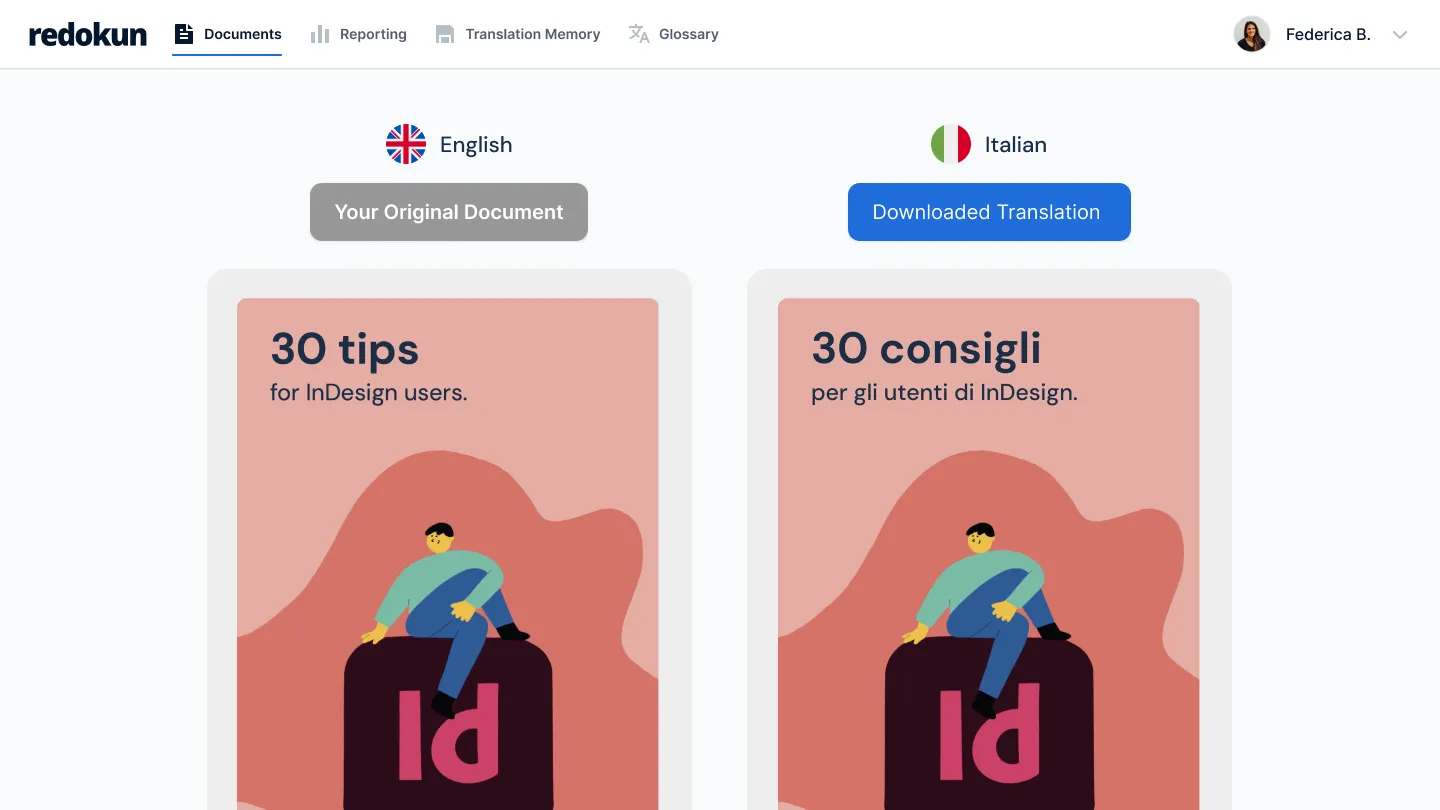


Translating InDesign files sucks

Pulling every line of text out by hand, sending it off, then designers need to rebuild the whole layout once the translation comes back.

Each pass adds days, sometimes weeks, before your manuals, brochures, and guides are ready for another market.

And every manual copy-paste is one more place for a typo to slip in.

Enter RedokunCome funziona


Crea un database di traduzioni approvate
- Upload your InDesign file and Redokun pullsout the text for you.
- No pasting text back in. No rebuilding pages by hand.
- When the translation is done, you download a new InDesign file with the same fonts, styles, and layout already in place.

Usa le stesse traduzioni indipendentemente da chi traduce
- Invite your translators straight into the Web Editor.
- Several people can work on the same file at once, so you stop emailing documents around and waiting for one person to finish before the next can start.
- You watch each language’s progress in one place.

Ottieni accuratezza e coerenza nella traduzione tra i documenti
- When you update a document, Redokun only asks your translators for the sentences that changed.
- Everything already translated stays put, across all 10, 20, or 30 languages.
- A saved glossary keeps your wording consistent from one project to the next.

Translating InDesign files with Redokun couldn’t be easier - see for yourself


%20(1).png)

Two ways to get started right now, depending on your needs.
Per esigenze di traduzione una tantum. Ideale se hai meno di 4 progetti all'anno.

Mantieni le traduzioni coerenti e precise senza rinunciare alla velocità.
Per esigenze di traduzione una tantum. Ideale se hai meno di 4 progetti all'anno.
Mantieni le traduzioni coerenti e precise senza rinunciare alla velocità.
Domande frequenti


Sì, è possibile importare le memorie di traduzione esistenti in Redokun. Leggi questo articolo per scoprire come importarli. Consulta la nostra pagina dei prezzi per scoprire quante memorie di traduzione possono essere importate nel tuo livello di piano. Se hai bisogno di ulteriore assistenza per importare le tue memorie di traduzione, contatta il nostro servizio clienti.
Possono sembrare simili, ma sono molto diversi.
Traduzione automatica (MT) comporta l'uso di computer per tradurre una lingua (di origine) in un'altra lingua(di destinazione) senza l'intervento umano. Questi computer sono programmati per eseguire traduzioni utilizzando algoritmi complessi, reti neuralio una combinazione di entrambi. Forse avrai sentito parlare diGoogle Translate o Deepl.
La memoria di traduzione è un database bilingue contenente termini, frasi, periodi e paragrafi precedentemente tradotti e approvati dal tuo team. Le memorie di traduzione sono esclusive della tua organizzazione.
Con Redokun puoi trarre vantaggio da entrambi utilizzando la funzionalità pre-translate. Scopri di più sulla traduzione automatica e sulle funzionalità pre-translate per sfruttare al meglio Redokun fin dal primo giorno.
Sure! Redokun’s free trial is a great way to experience how quickly you can complete your translation projects. It doesn’t require a credit card.
The free trial is based on our Basic plan and gives you access for 14 days.
You can upload a file of up to 100MB, containing up to 10,000 words.
We support various file types, including InDesign (.idml), Microsoft Office (Word, Excel, PowerPoint), HTML, SRT, JSON, XLIFF 1.2, and more. You can check the full list of supported file types here.
Once you start translating your test file and see how it works, if you’d like to continue and complete your translation project, you can simply purchase one of our plans to keep translating.
The Project Pass is designed for one-time or occasional translation projects. It gives you access to Redokun’s core translation workflow for 30 days, with a simple pay-as-you-go pricing model.
Redokun’s subscription plans (Workspace plan) are better suited for teams with ongoing or recurring translation needs, wanting to build a scalable translation workflow. They include advanced features such as translation memory, AI fine-tuning, activity tracking, and long-term workspace access. If you only need to translate a document once or don’t require long-term asset reuse, the Project Pass lets you complete your project quickly without committing to a subscription.