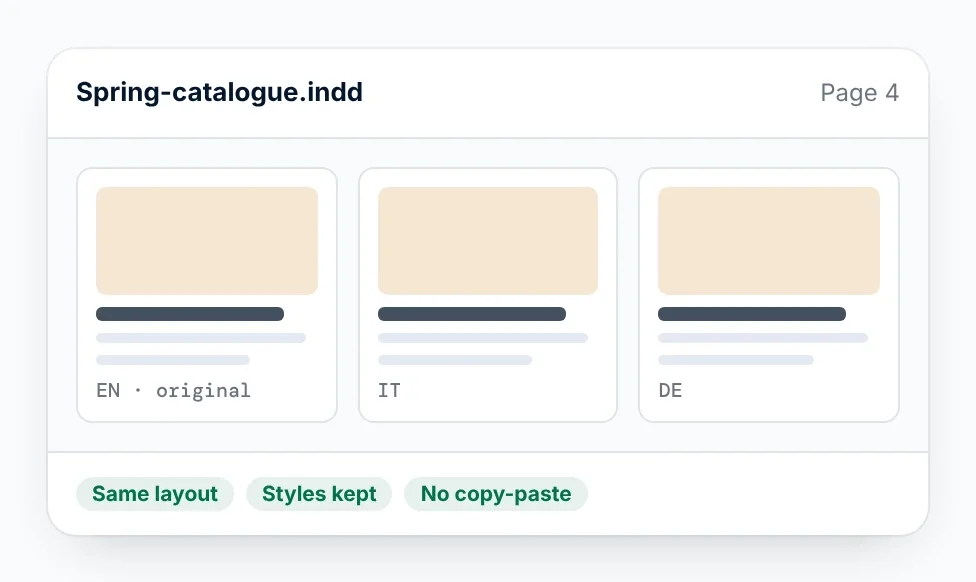
Same layout, every language.
Upload an InDesign, Word or PowerPoint file and download every translation in the same format, with your design intact.

Translated, not re-designed.
Redokun takes the text out of your file, your team translates it, and Redokun puts each translation back into your layout, styles and formatting. You download a file that’s ready for a quick check.
- Same file format you uploaded
- Layout, styles and formatting kept
- No copy-pasting text back into the design
Every campaign file, one place.
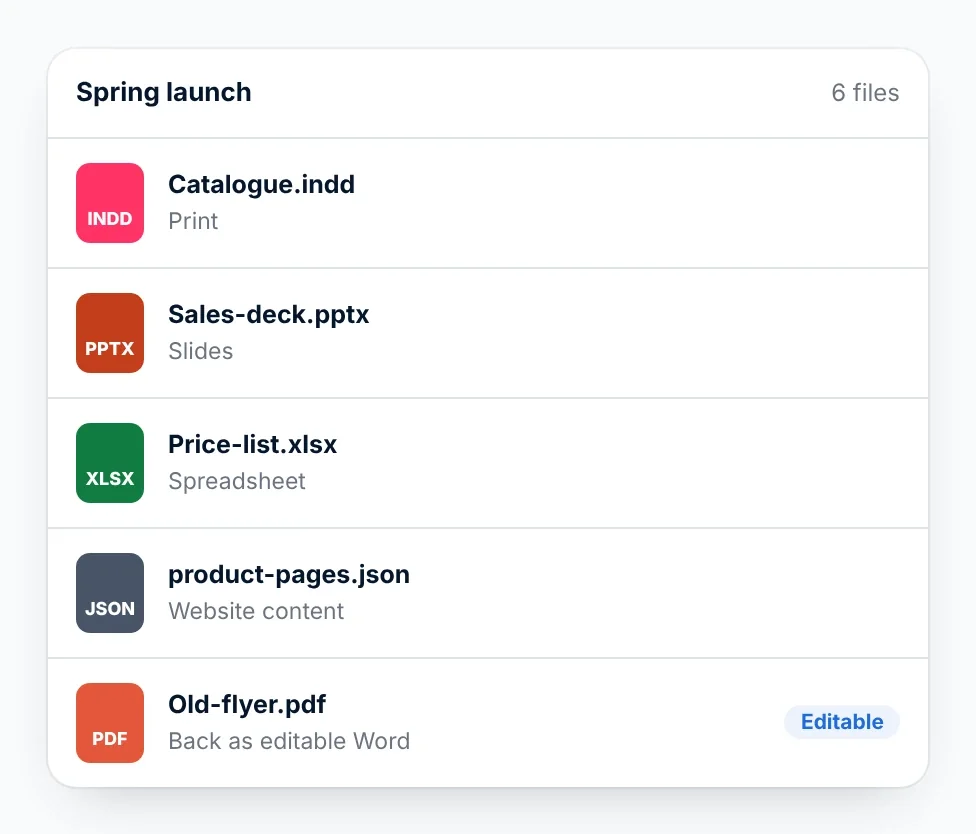
Brochures, slides, price lists and website content: translate them all in one place and get each file back in its own format.
- InDesign, Illustrator, Word, PowerPoint, Excel
- XLIFF and JSON from your CMS
- PDFs back as editable Word or Excel
Every language in one download.
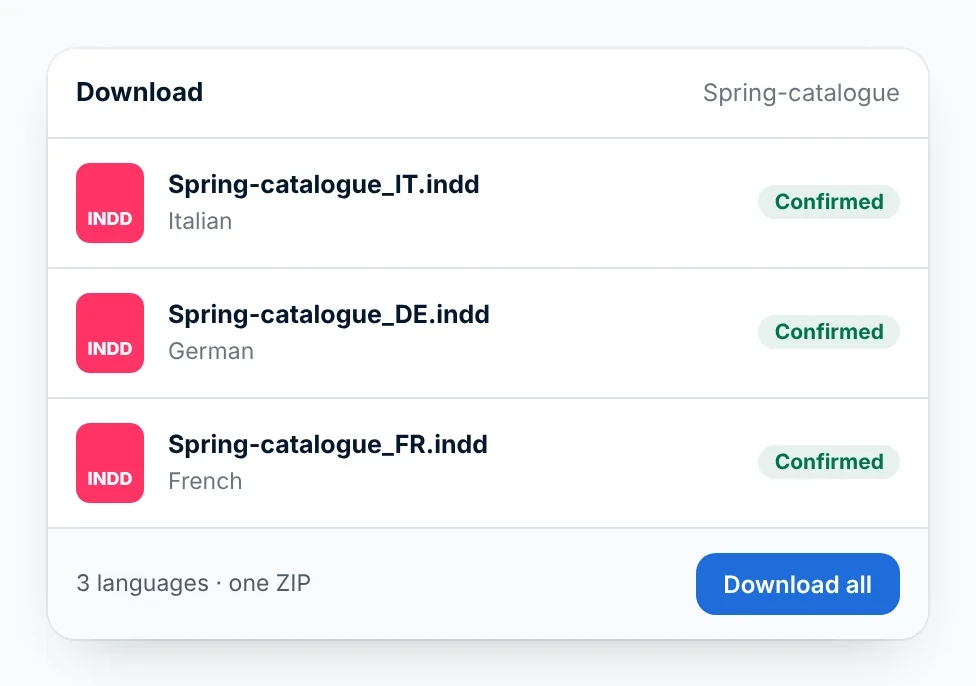
When the translations are confirmed, download them in the same format you uploaded.
- Download one language or every language at once
- All confirmed languages in a single ZIP
- A quick check, then print or publish
Translators see the page, not just the text.
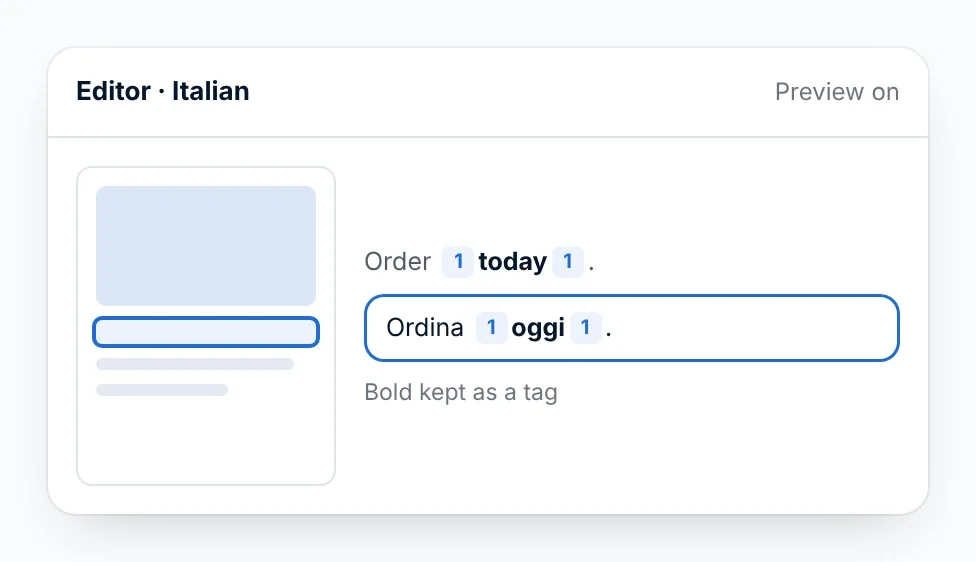
Translators work in the browser next to a page preview. Bold, colours and links are kept as tags, so they land in the right place.
- Page previews for InDesign and PowerPoint
- Your glossary terms and past translations beside each sentence
- Arabic and Hebrew InDesign files set right-to-left on export
FranklinCovey
“We’re not only saving money, we’re also saving timelines. And what used to take us three weeks now it takes us a week or a few days.”

Less work in every language.

Same words in every file
Brochures, slides and price lists share your glossary and translation memory, so a product name reads the same in all of them.

Fewer mistakes
No manual reformatting, so fewer errors in the final files.

Launch sooner
Each market gets its files when its translation is confirmed, not after a second round of design work.
Questions about file formatting
Longer text can shift the layout a little. Your designer makes a few quick tweaks instead of rebuilding every language.
You can get a good draft that way, but putting each language back into your InDesign, Word or PowerPoint file is still your job. In Redokun the AI is one part of a bigger system: it drafts with your glossary and past translations, your team confirms each language, and you download the same file in every language.
InDesign, Illustrator, Word, PowerPoint, Excel, XLIFF, JSON, HTML, XML, subtitles, plain text and PDF. InDesign files go in as IDML, and Illustrator files need our script first.
Yes, if its text can be selected. You get the translation back as an editable Word or Excel file. If you have the original InDesign, Word or PowerPoint file, upload that for the closest layout.
No. They work in Redokun’s web editor, in the browser, with a page preview.
Upload the new version. Redokun keeps your translations and marks only what changed.
Still unsure? Book a call.
Ready to go global, faster?
Bring your content, your team and your translators into one place.