Your website, in every market’s language.
Send WordPress pages and posts to Redokun, translate them with the same glossary, translation memory and reviewers as your catalogues, and get every language back in WordPress as drafts.
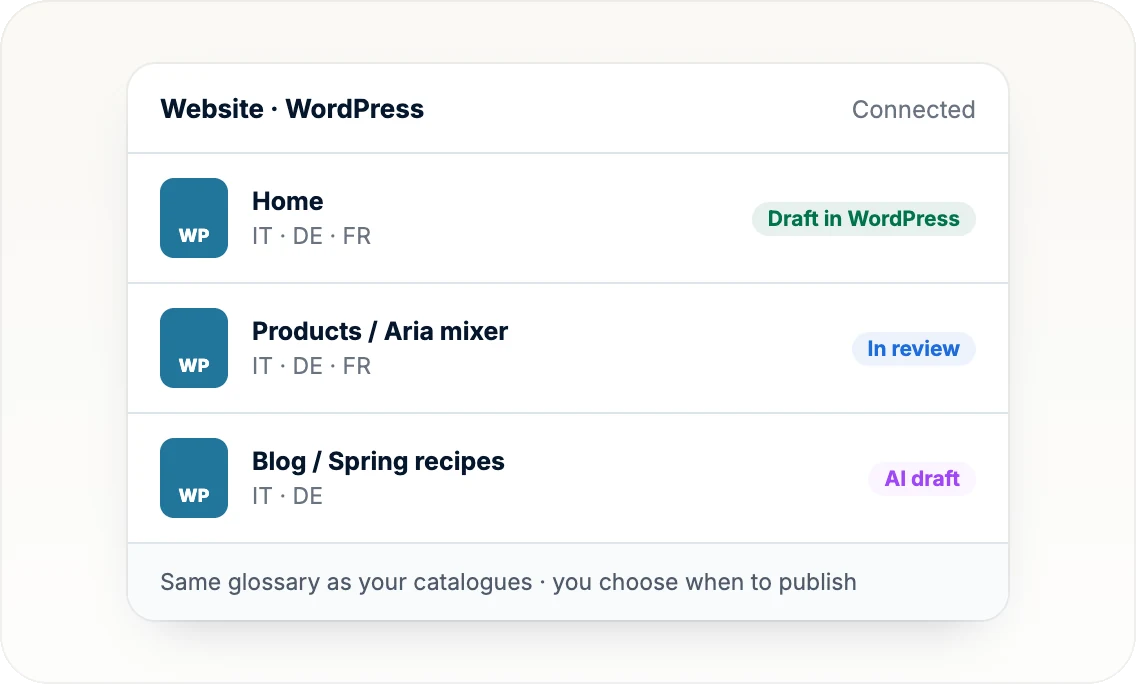





Your website shouldn’t lag behind your brochures.
Catalogues and campaigns go out in every language, and the website catches up weeks later.
“We copy page text into spreadsheets.”
Every page is copied out for translators and pasted back by hand.
“The site and the brochure say different things.”
Product names and claims are translated twice, by different people.
“Every update waits for someone to paste it in.”
A small change on the site means another round of copy-paste in every language.
One place for your website and your documents, with the same words in both.
Fast when it can be. Reviewed when it must be.
You choose for each page and language. Both start from the same glossary and translation memory, so the website reads like your catalogues.
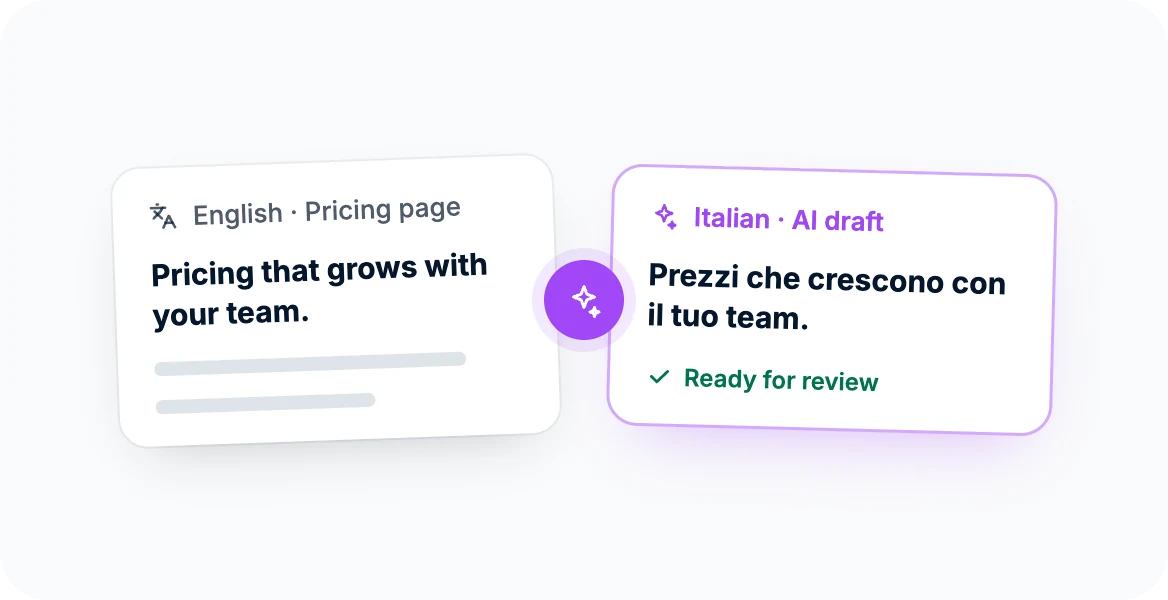
AI drafts in minutes
AI translates with your glossary, your past translations and your tone of voice. Confirm the draft yourself and download it the same day, no waiting for translators.
- Blog posts
- News and updates
- Internal pages
- Quick fixes
Checked by people who know the market
Send the same draft to a native translator, your agency or a local colleague. They correct and approve it in a simple online editor.
- Your most important markets
- Product pages
- Home and landing pages
- Legal pages
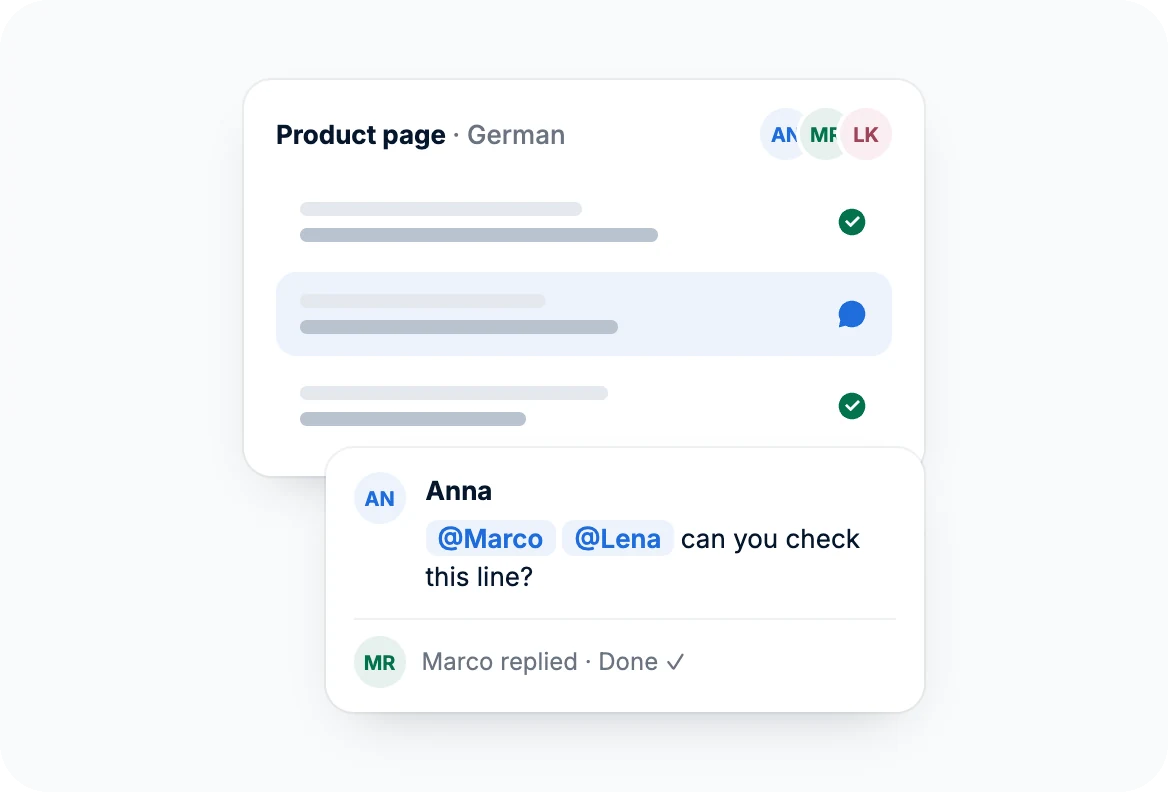
Every approved correction is saved in your translation memory, so the next AI draft starts from it. The more you review, the better the fast mode gets.
Connect. Translate. Publish when you’re ready.
1. Connect your WordPress site
Book a call and we switch website translation on for your account. Then install the Redokun Translator plugin.
2. Translate with your team
Choose the pages and posts to send. AI drafts them with your glossary and past translations, and your reviewers check them in the browser.
3. Publish when you’re ready
Translations go back to WordPress as drafts, so you decide when each language goes live.
Your website and your translations, in both directions.
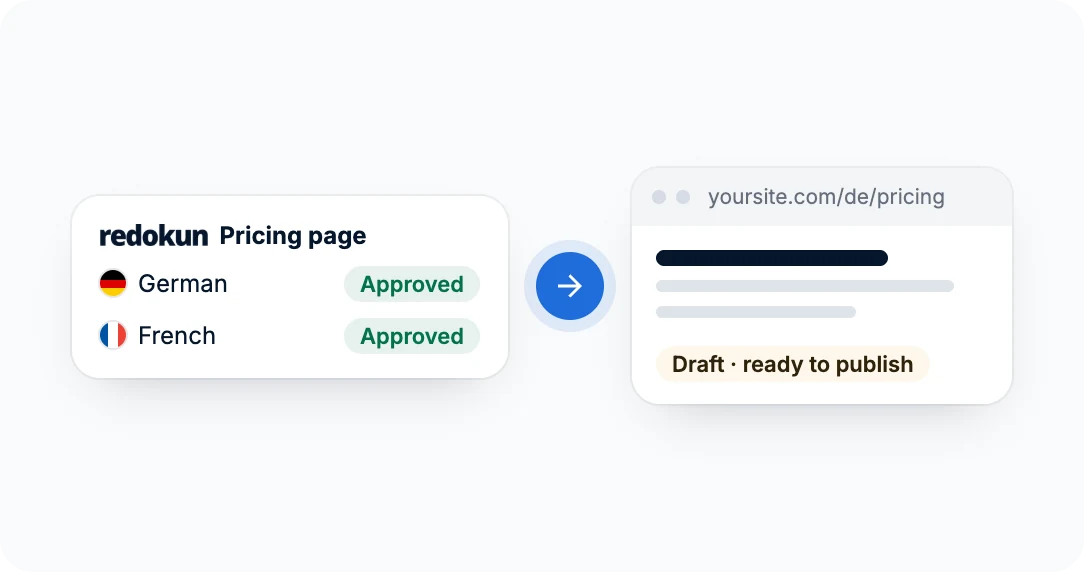

From Redokun to your website
When a language is approved, Redokun sends it straight to your site as a draft. Check it and publish, with no copy-paste.
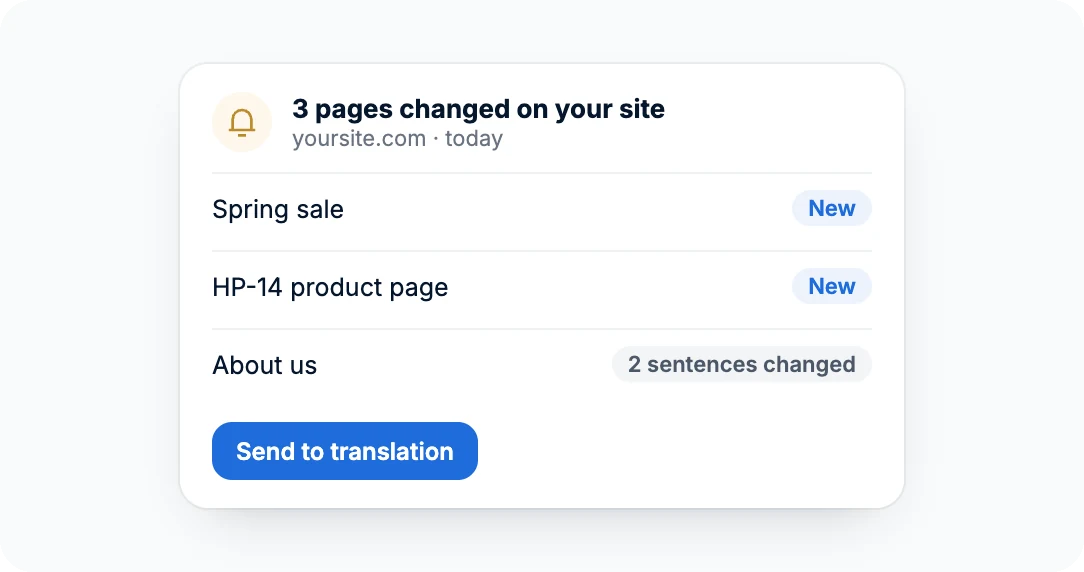

From your website to Redokun
Add a page or change a sentence, and Redokun alerts you. Send it to translation in one click, and only what changed gets translated.
Less copy-paste, fewer mismatches, every market up to date.

Pages and posts in one place
Choose what to send from WordPress and follow every language in one list.

The same words as your catalogues
Your glossary and translation memory cover the website and your documents alike.

Drafts, not surprises
Translations go back to WordPress as drafts, so nothing goes live before you check it.

Other platforms through our API
On Webflow or Storyblok? Connect through our API, or get in touch and tell us how your site is set up.
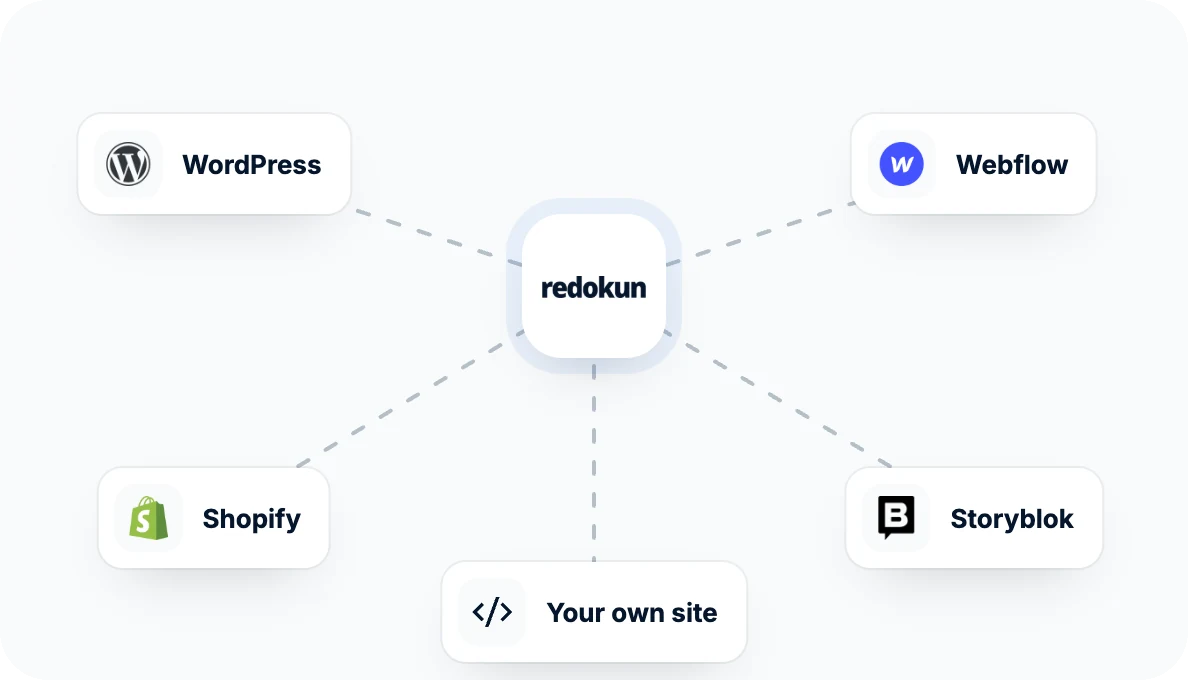
Translate any website or online store, whatever it runs on.
Redokun works with the platforms your website and online store already run on, from WordPress and Webflow to Shopify and custom sites.
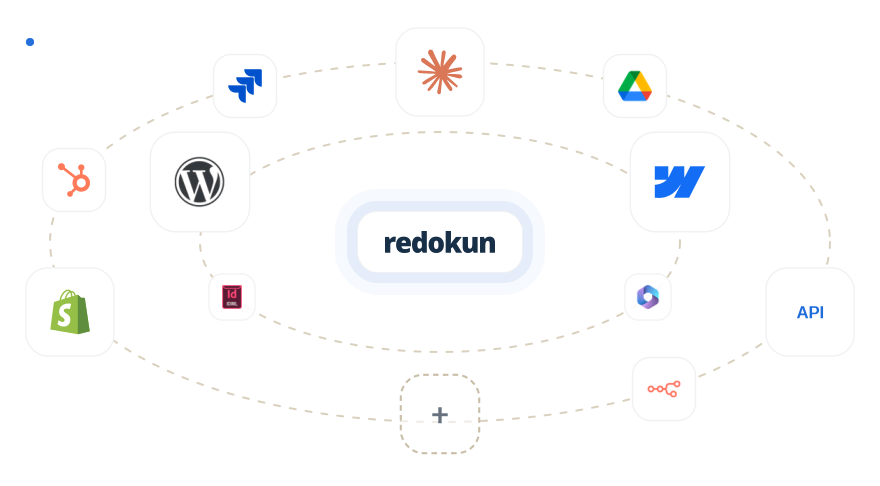
Your team already uses AI. Redokun connects it to your site and your words.
A chat translates the text you paste in. A multilingual website needs every page sent, checked and published back, with the same terms as everything else you publish.

No copy-paste in and out
Pages go from WordPress to Redokun and back as drafts.
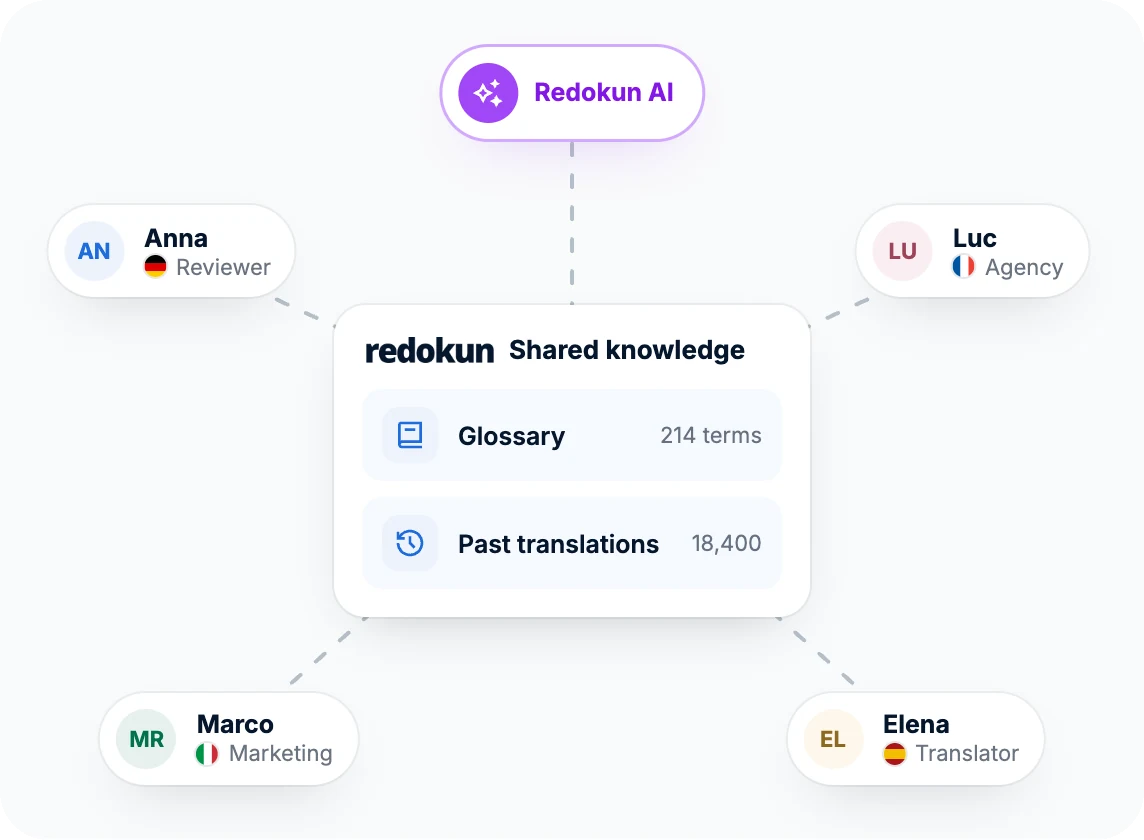
Same words, whoever translates
A chat remembers one person's conversation. Redokun keeps your glossary and approved translations for the whole team, in every language, month after month.

Local people check what matters
Send key pages to native speakers or local colleagues, and see what’s approved and what’s pending.

Nothing to build or maintain
A homemade AI tool needs someone to build it, fix it and keep it running. Redokun works today, and keeping it working is our job.
Rockfon gets files to translation in a tenth of the time.
“[...] Uploading the files to Redokun is much faster. It takes about 1/10 of the time compared to having to do it manually through creating and sending email files.”

Questions about website translation
Book a call and we activate website translation for your account. It’s included in the Basic and Premium plans.
A site served over HTTPS, the WPML plugins and admin access to install the Redokun Translator plugin.
Pages and posts. You choose which ones to send to Redokun.
No. Translated pages go back to your site as drafts, so you decide when to publish.
On Webflow, Storyblok or another platform, you can connect through our API: book a call and tell us how your site is set up. For Shopify, get in touch and tell us how your store is set up.
Both can draft a translation of the text you paste in. In Redokun, AI is one part of a bigger system: sentences your team already approved are filled in, AI drafts the rest following your glossary, your reviewers confirm each page, and translations go back to WordPress as drafts.
Still unsure? Book a call.