Translate any document, right in your browser.
Upload the original file as it is. Your team translates online, with nothing to install, and every language downloads in the same format.





Translation shouldn’t start with file conversion.
Every file type has its own way of being prepared for translators, and it all takes time.
“We convert every file first.”
Documents are turned into a translation-friendly format before anyone can start.
“We copy-paste between spreadsheets and files.”
Text goes out to translators and comes back to be pasted in.
“Translators would need InDesign.”
Not everyone has the design software, or knows how to use it.
Fast when it can be. Reviewed when it must be.
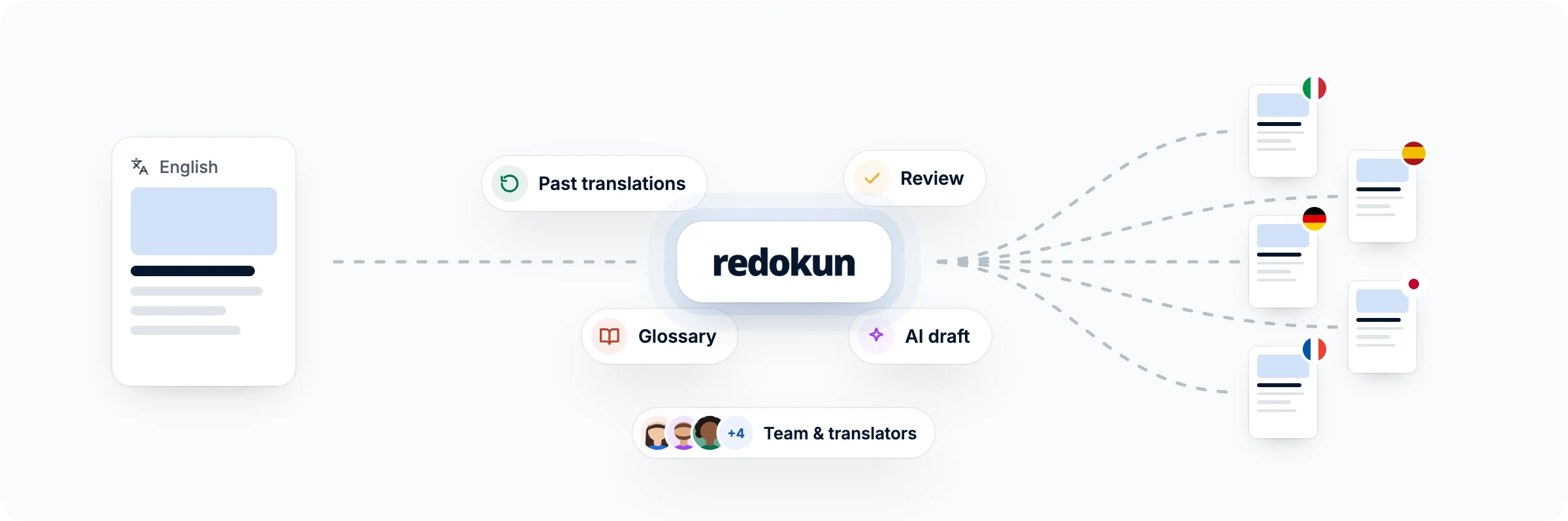
You choose for each document and language. Both start from the same glossary and translation memory, so your brand reads the same either way.
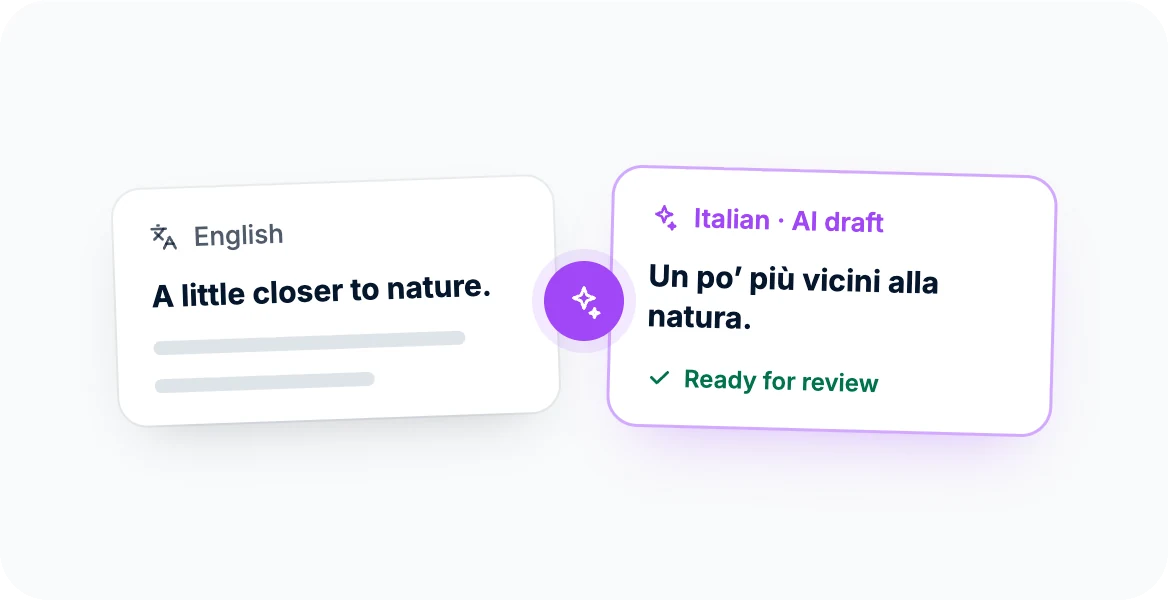
AI drafts in minutes
AI translates with your glossary, your past translations and your tone of voice. Confirm the draft yourself and download it the same day, no waiting for translators.
- Internal documents
- Quick campaign updates
- Sales presentations
- Product and blog updates on your website
Checked by people who know the market
Send the same draft to a native translator, your agency or a local colleague. They correct and approve it in a simple online editor.
- Product launches
- Your most important markets
- Home and landing pages
- Legal and technical claims
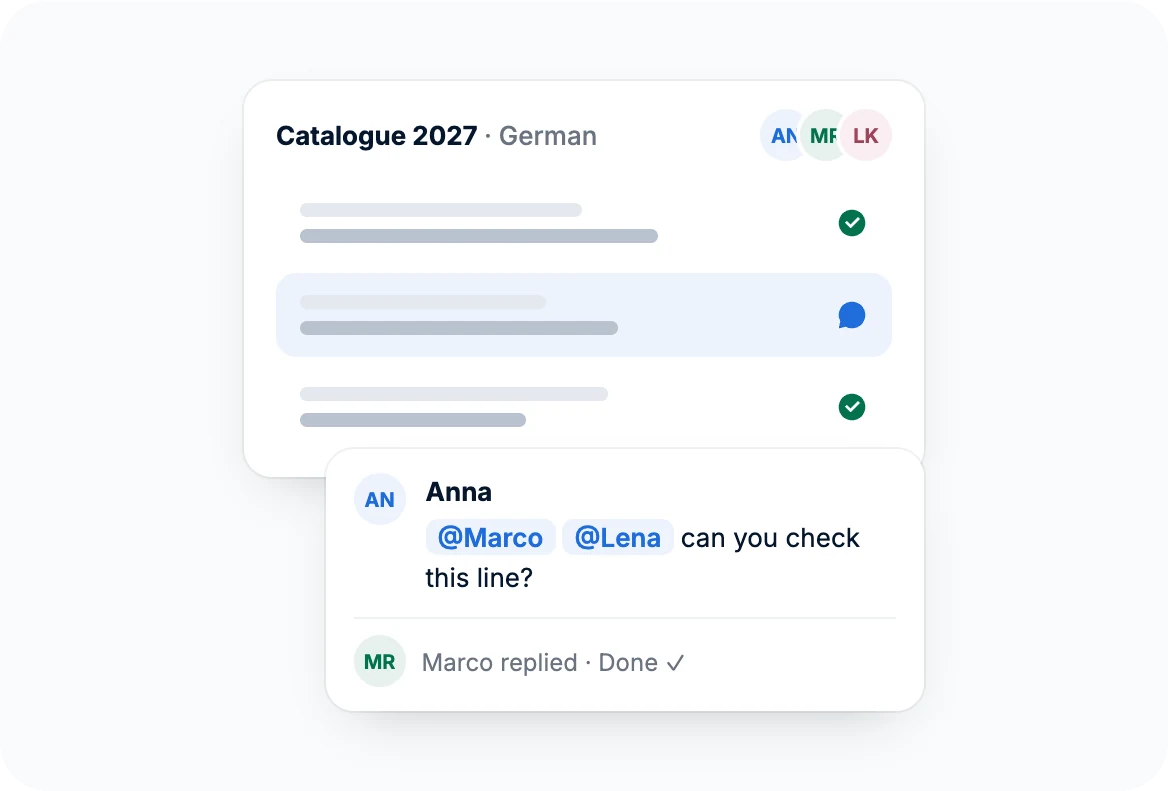
Every approved correction is saved in your translation memory, so the next AI draft starts from it. The more you review, the better the fast mode gets.
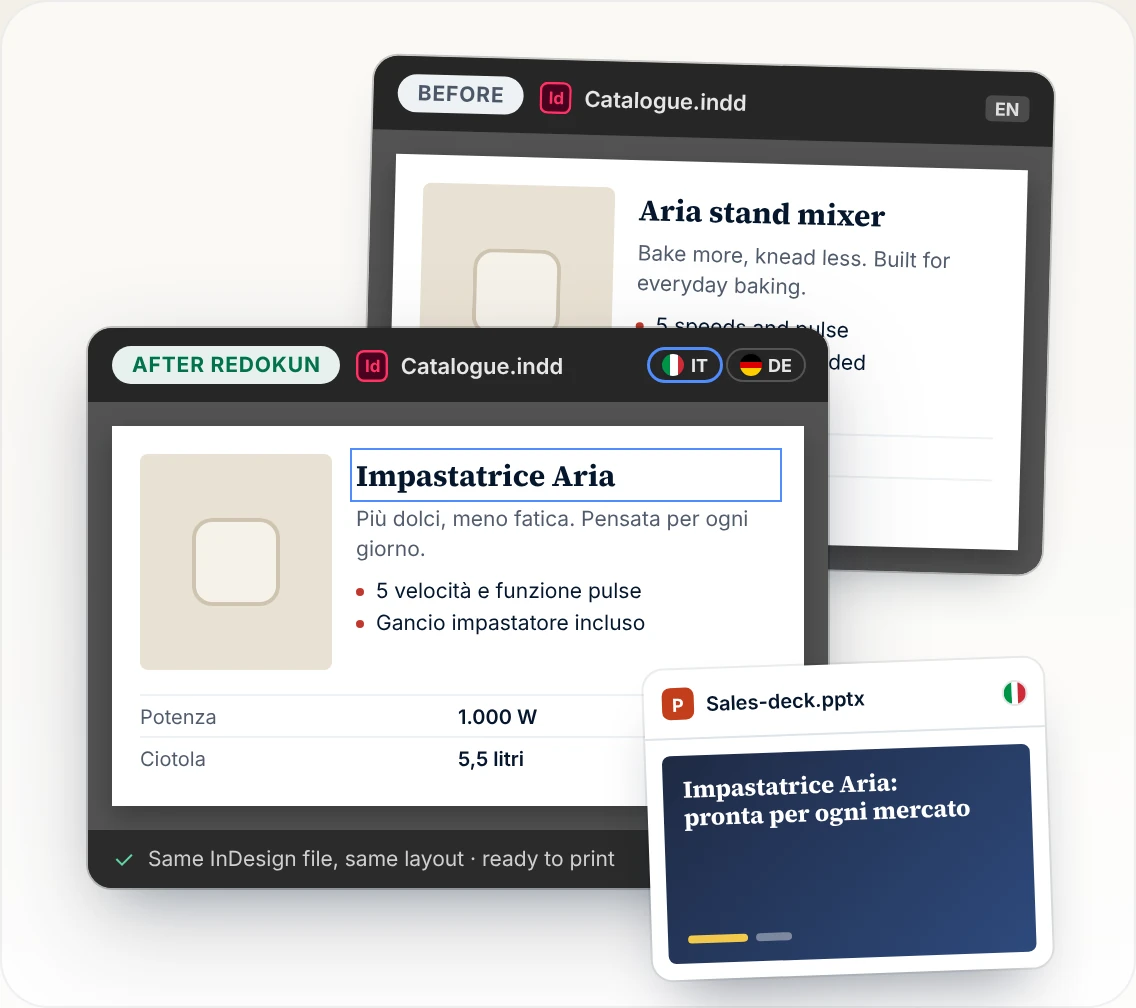
The translated file looks like the original. No layout to fix.
Redokun puts each translation back into your original file, with the same fonts, images, styles and pages. You get a file that is ready for a quick check, not a document to rebuild in every language.
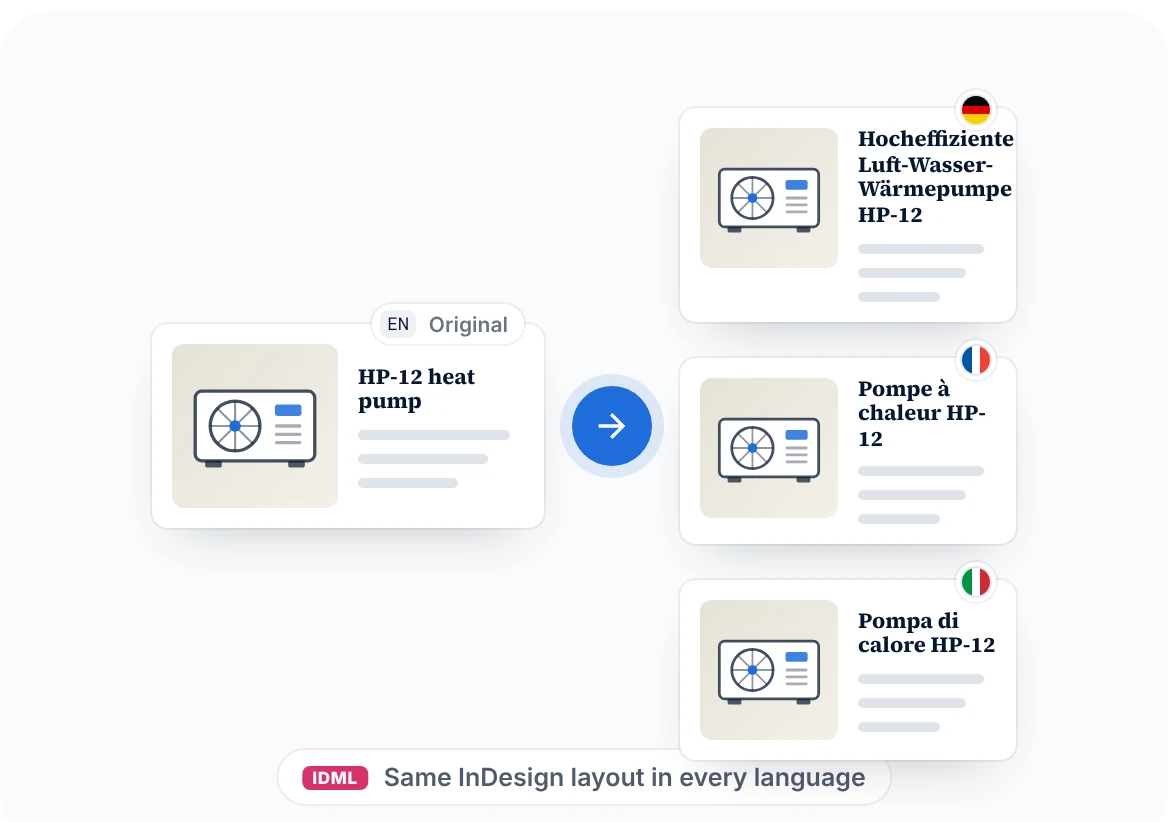
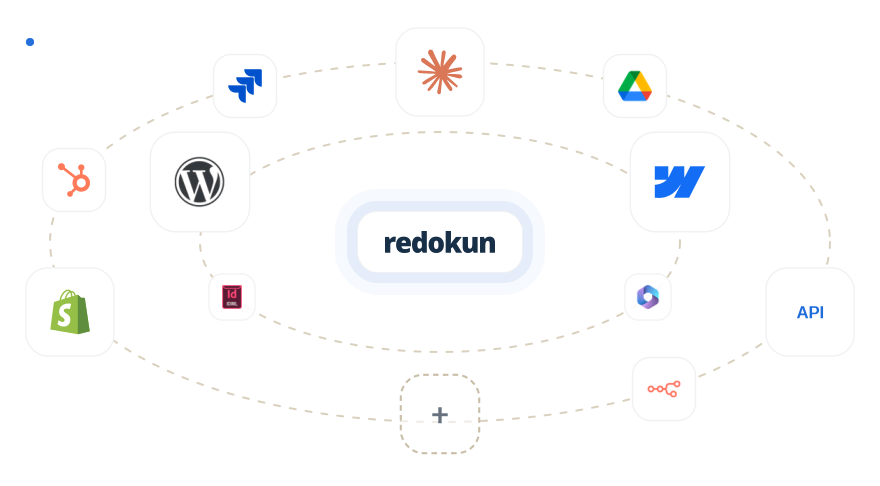
Upload. Translate online. Download the original format.
1. Upload your original file
Upload your source document in its original format. No copy-pasting of text.
2. Translate online
Invite collaborators. They translate in the browser, where the text is extracted and organized for them.
3. Download the original format
Download the finished translation with your formatting intact, ready for a quick check.
No prep, no software, every format in one place.

Translate in the browser
Translators work online, with nothing to install.

Files come back in their format
Download each language in the original format, with layout and design intact.

AI drafts in your company’s words
Pre-translate drafts every segment with AI and translation memory, guided by your glossary.

Partners can keep their own tools
Export the text for translators who prefer their own tools, then import their work back.
AI can translate text. Redokun keeps every document in one place, with the same words for the whole team.
A chat needs you to copy the text out and paste it back. Redokun takes the original file and gives the same file back, in every language.
The file, not just the words
InDesign, Word, PowerPoint and more come back in their own format, layout intact.

Same words, whoever translates
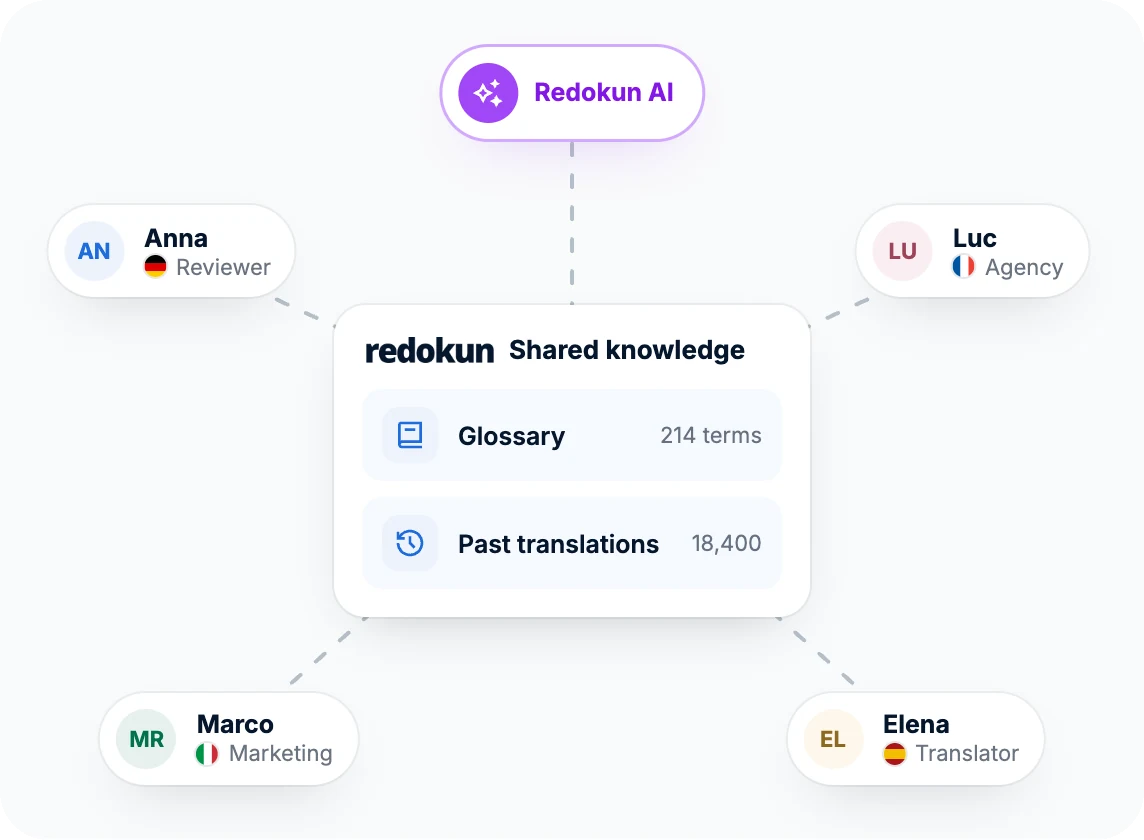
A chat remembers one person's conversation. Redokun keeps your glossary and approved translations for the whole team, in every language, month after month.

Everyone in the same editor
In-house colleagues, local markets and agencies work in one browser editor.

Nothing to build or maintain
A homemade AI tool needs someone to build it, fix it and keep it running. Redokun works today, and keeping it working is our job.
Rockfon saves 60 to 70% of its time getting files ready.
“We are saving between 60 to 70% of our time now because the whole process of getting the file ready doesn’t take much.”

Questions about translating documents online
InDesign, Word, PowerPoint, Excel, XLIFF, JSON, SRT subtitles and more. Files download in the same format as the original, except PDF, which downloads as an editable Word or Excel file. The full list is on the file formats page.
Redokun drafts with AI, guided by your glossary and past translations. You decide, for each document and language, whether someone reviews the draft before it’s published.
Redokun keeps them. You translate the text and download a document with your original images and styles, ready for a quick check.
No. You and your team use Redokun in the browser.
Yes. They can export the text in XLIFF or Excel, translate it in their own tool and upload it back. Everything stays in your workspace for next time.
Start the free trial: 14 days, 40,000 exportable words, no credit card. Upload a real file and see it come back in another language with the layout intact.
Still unsure? Book a call.