Subtitles for every market, timing intact.
Upload your SRT subtitle files, translate them with your glossary, translation memory and team, and download each language with every timestamp in place.
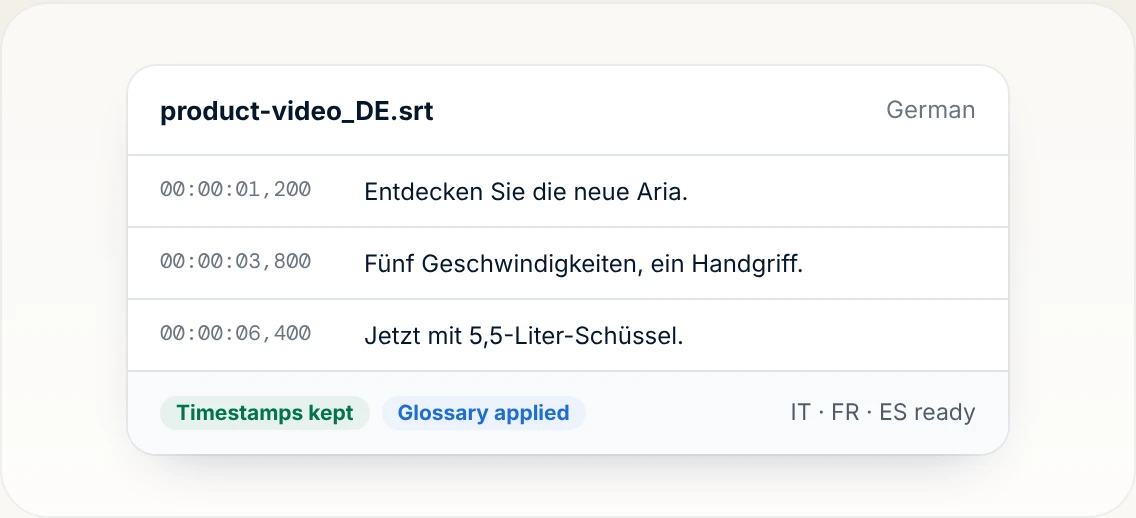





Your video is ready. The subtitles aren’t.
Product videos, webinars and training clips all need subtitles in every language, and the timing has to stay right.
“We copy subtitles into spreadsheets.”
Lines go out to translators without timestamps and come back to be rebuilt by hand.
“Timing breaks when the text comes back.”
Someone has to fix every cue before the file works in the player.
“Subtitles and scripts are translated separately.”
The same product names end up translated differently in the video and the brochure.
One place for subtitles, scripts and the documents around the video.
Fast when it can be. Reviewed when it must be.
You choose for each video and language. Both start from the same glossary and translation memory, so subtitles use the same words as your other content.
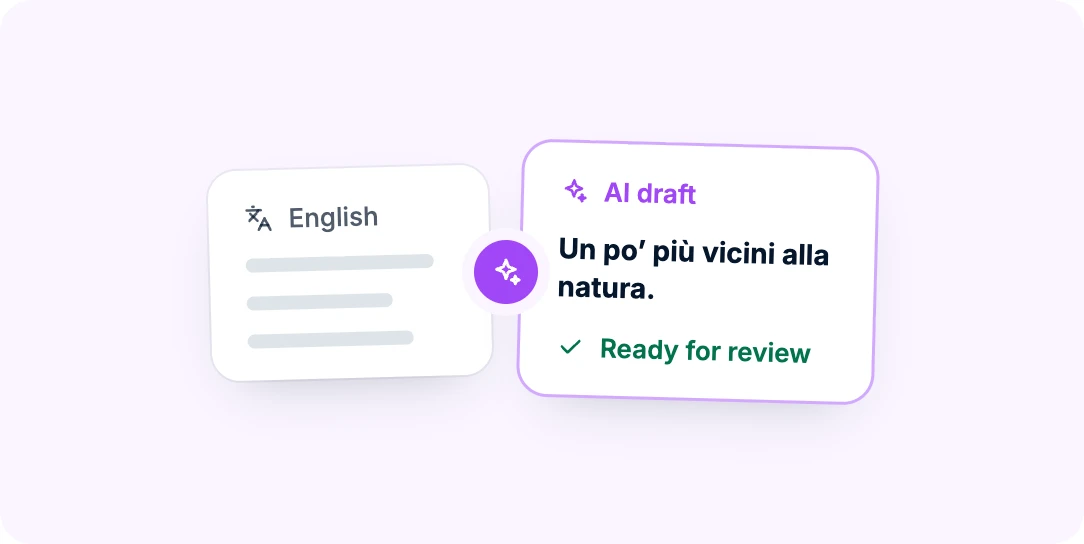
AI drafts in minutes
AI translates with your glossary, your past translations and your tone of voice. Confirm the draft yourself and download it the same day, no waiting for translators.
- Internal videos
- Webinar recordings
- Social clips
- Quick updates
Checked by people who know the market
Send the same draft to a native translator, your agency or a local colleague. They correct and approve it in a simple online editor.
- Product launch videos
- Your most important markets
- Customer-facing training
- Legal and safety content
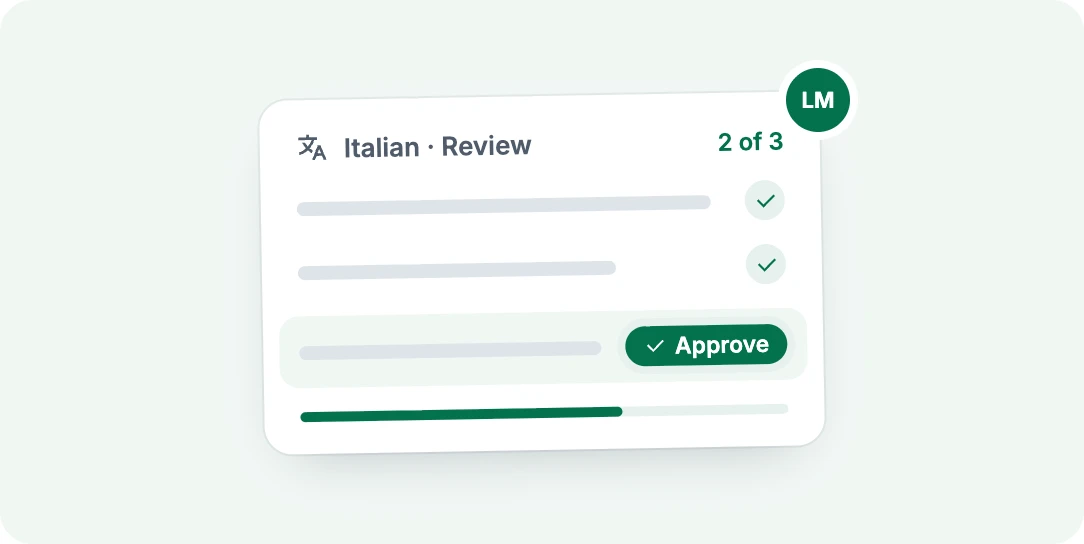
Every approved correction is saved in your translation memory, so the next AI draft starts from it. The more you review, the better the fast mode gets.
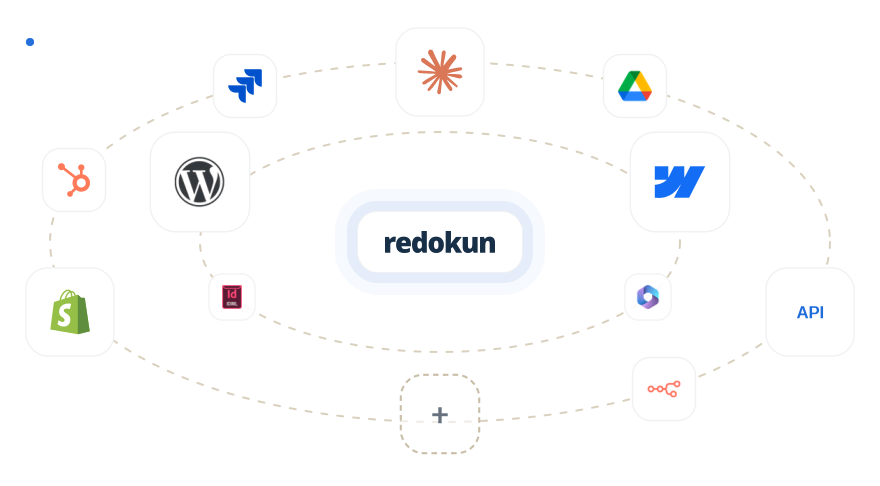
Connect to your tool through our API.
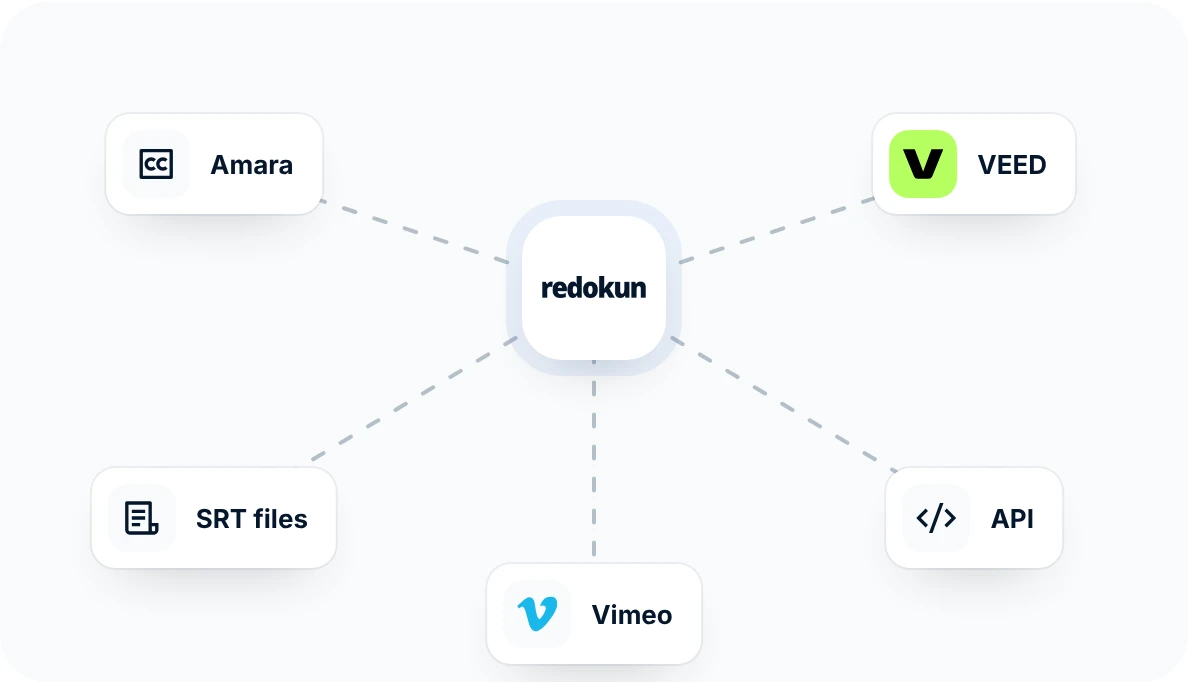
Already make subtitles in Amara, VEED or Vimeo? Connect them to Redokun through our API: subtitles go to translation with your glossary and translation memory, and come back in every language, timing intact.
Upload. Translate. Download, timing intact.
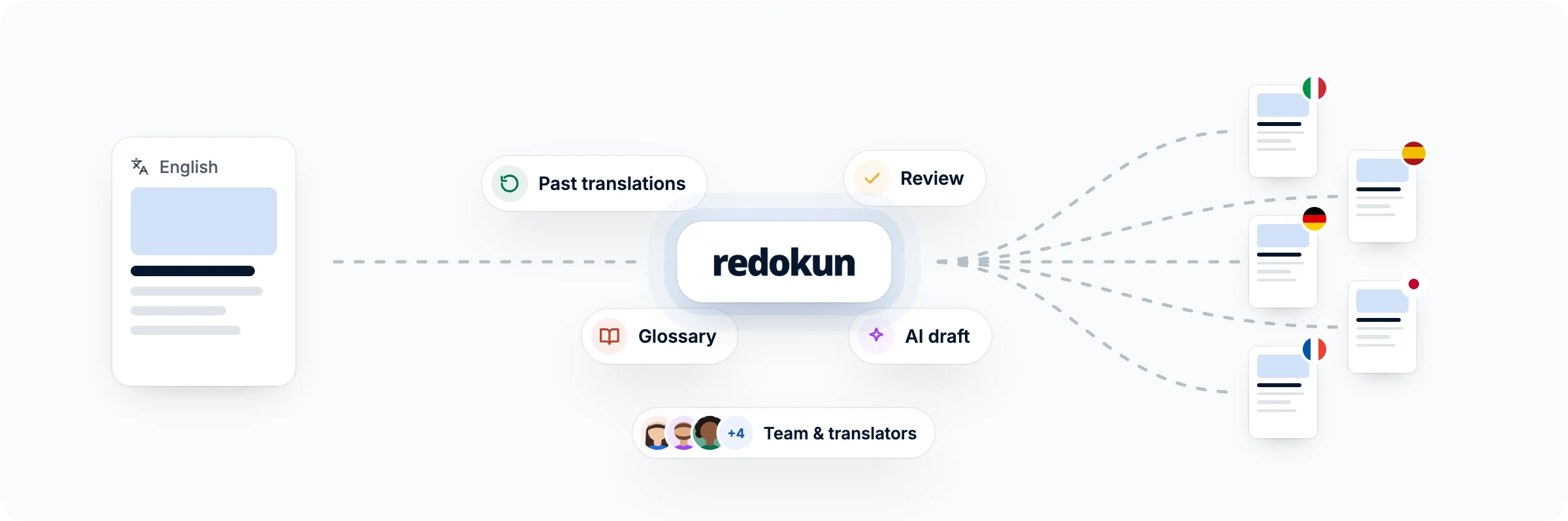
1. Upload your SRT file
Upload the subtitle file in the source language. Redokun keeps the timestamps and shows you the text to translate.
2. Translate with your team
AI drafts each line with your glossary and past translations, and reviewers check it in the browser.
3. Download every language
Download one SRT file per language with every timestamp in place, ready for your video platform.
No retiming, no copy-paste, every language on screen.

Timestamps stay in place
Only the text is translated; every cue keeps its timing.

The same words as your other content
Your glossary and translation memory cover subtitles, scripts and documents alike.

Scripts and on-screen text too
Translate the script, slides and handouts as Word or PowerPoint files, in the same place.

Checked by people who know the market
Send key videos to native speakers, and see what’s approved and what’s pending.
AI translates the text. Redokun handles the file, the timing and your terms.
A chat translates the lines you paste in. Redokun takes the SRT file, keeps every timestamp, and uses the same terms as everything else you publish.

The file, not just the words
Upload the SRT and download it translated, timestamps intact.
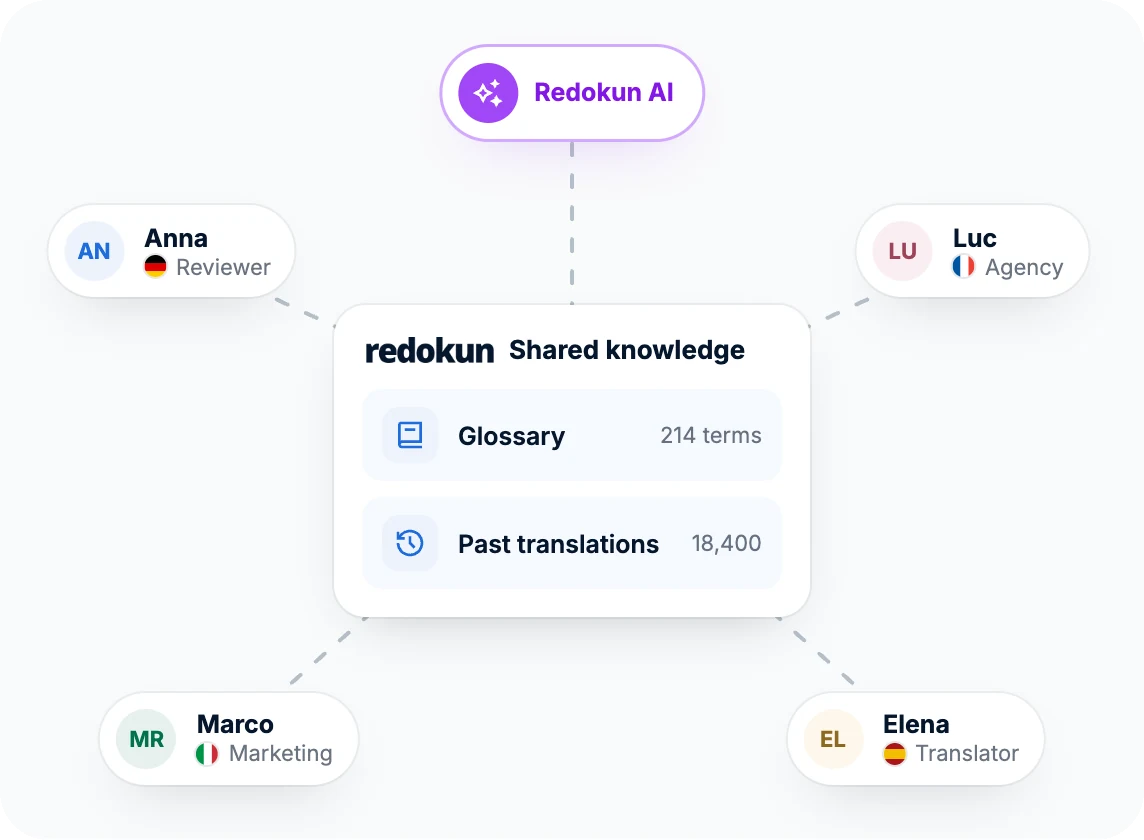
Same words, whoever translates
A chat remembers one person's conversation. Redokun keeps your glossary and approved translations for the whole team, in every language, month after month.

Local people check what matters
Send key videos to native speakers or local colleagues, and see what’s approved and what’s pending.

Nothing to build or maintain
A homemade AI tool needs someone to build it, fix it and keep it running. Redokun works today, and keeping it working is our job.
DEA System shares translation work beyond the office.
“You gave us a system we could easily share with people we don’t have in the office. You helped us optimize the time and empower the people who take charge of the translations to do a job well done.”

Questions about subtitle translation
No. Redokun translates subtitle files (SRT), along with scripts and the documents around your video. Dubbing and voice-over are done in other tools.
SRT files. If your platform uses another format, export SRT or get in touch.
Yes. Redokun keeps every timestamp and translates only the text. Longer languages may need a quick check for reading speed.
Yes. Upload the script, slides or handouts as Word, PowerPoint or Excel files. They use the same glossary and translation memory.
No. They work in Redokun’s editor, in the browser. Nothing to install.
Start the free trial: 14 days, 40,000 exportable words, no credit card. Upload a real SRT file and see it come back in another language.
Still unsure? Book a call.