Every course, for every learner. In their language.
Export your course from Rise 360, Storyline 360 or Captivate, translate it in Redokun with AI, your glossary and your trainers in each country, and import each language back. Updates only send the changes.
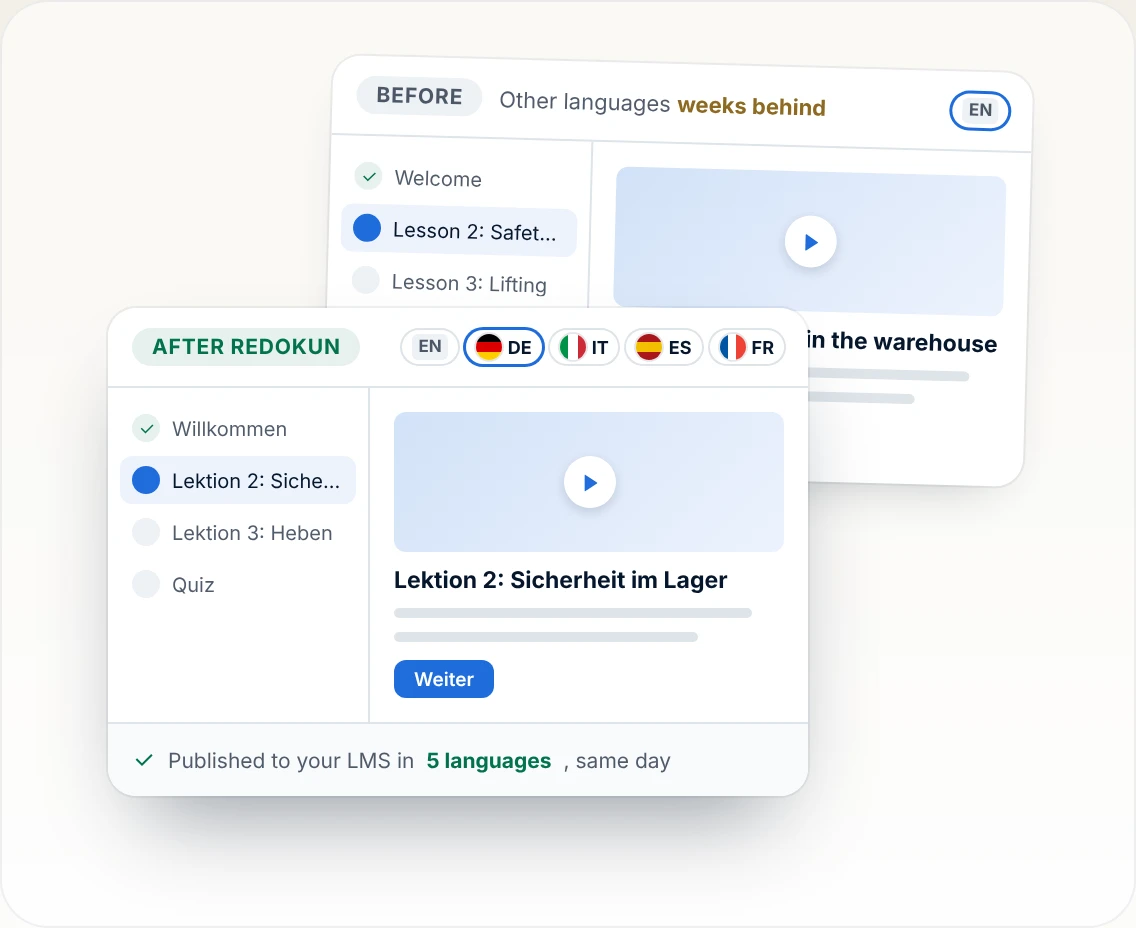





The course is ready. The other languages are weeks behind.
Global teams need onboarding, compliance and product training in their language, and every update has to reach them too.
“Translation holds up the rollout.”
The English course is live, but the other countries wait for files to come back from agencies and colleagues.
“Every country words it differently.”
Product names and training vocabulary change from module to module and from language to language.
“One update means starting over.”
A changed lesson sends the whole course back out, in every language.
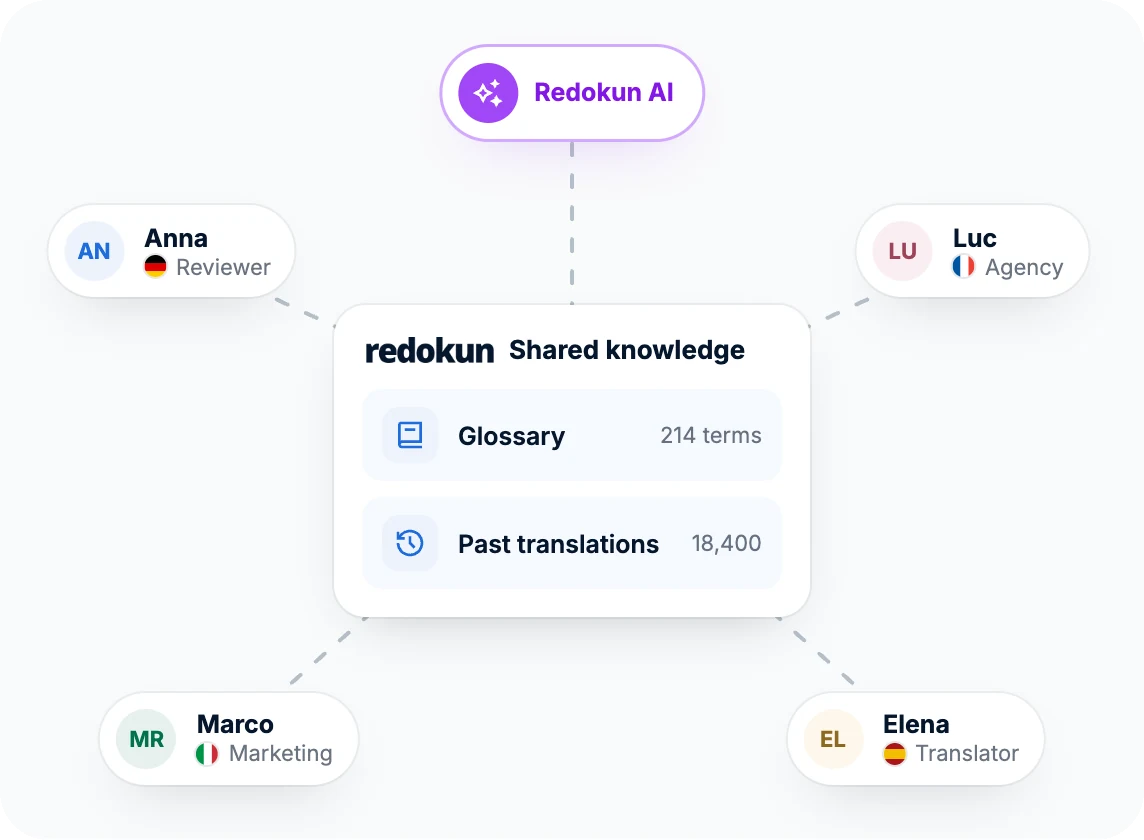
One place for your course text, your terms and your translators, course after course.
Fast when it can be. Reviewed when it must be.
You choose for each course and each language. Both start from the same glossary and translation memory, so terms read the same in every module.
Ready in minutes
AI drafts after your past translations, with your glossary terms. Download the file right away.
- Internal training updates
- Onboarding courses
- Quick fixes to live courses
- Short refreshers
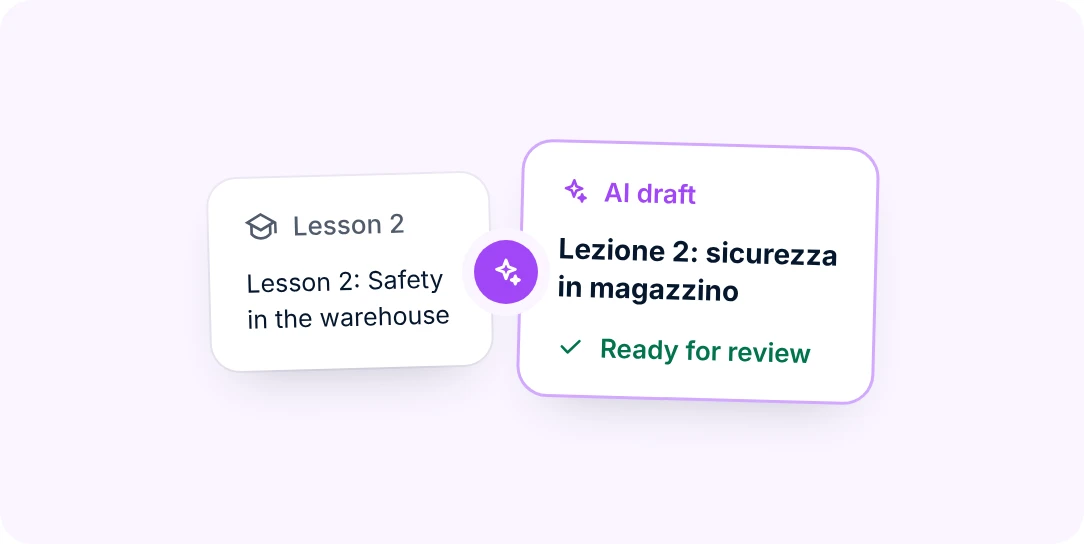
Checked by people who know the market
Send the same draft to a native translator, your agency or a trainer in the country. They correct and confirm it in the browser.
- New courses
- Compliance and safety training
- Customer-facing academies
- Your key markets
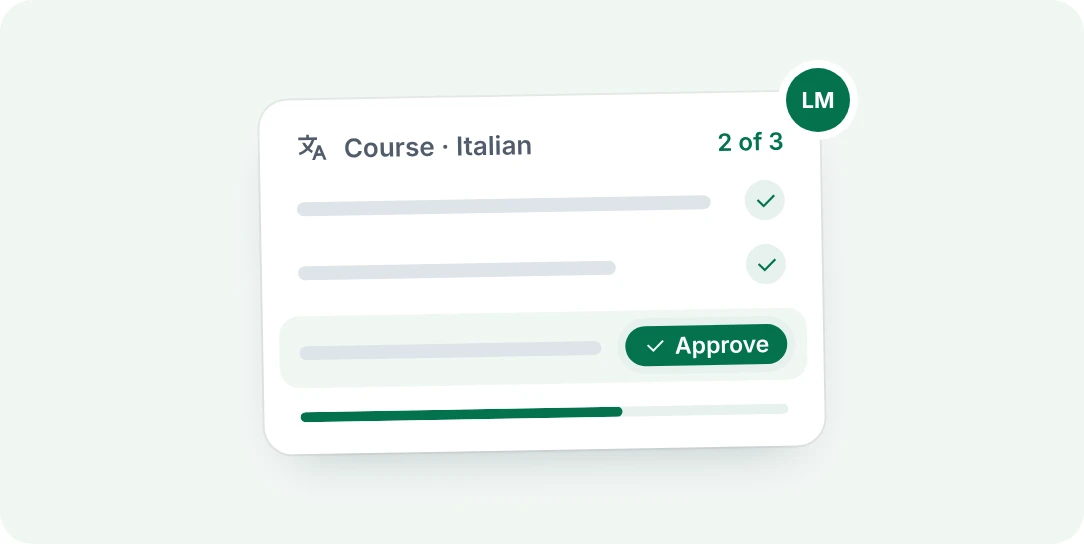
Every confirmed correction goes into your translation memory, so the next AI draft starts from it.
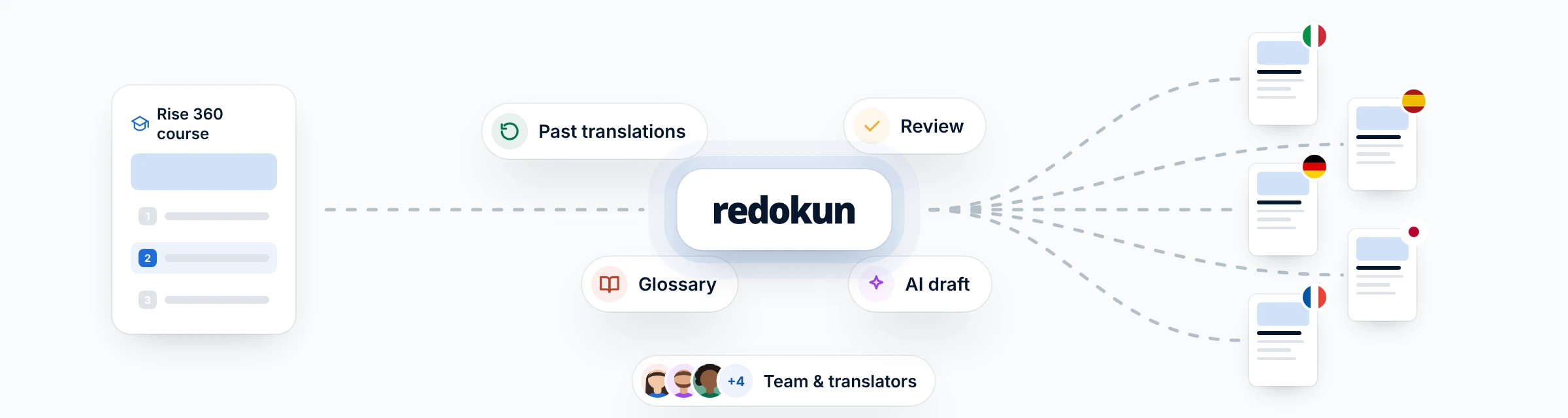
Export. Translate. Import it back.
Export from your authoring tool
Export the course text for translation: XLIFF from Rise 360 or Storyline 360, XML from Captivate. Upload it and choose your languages.
Translate with your team
Pre-translate fills in sentences you’ve translated before and drafts the rest with AI. Translators and reviewers check it in the browser, with nothing to install.
Import and publish
Download one translated file per language, import it into your authoring tool, review the course and publish it to your LMS.
Every course and every language, on schedule.

See every course and language
One list shows each course export by language: AI draft, in review or ready to import.

Trainers review in the browser
Colleagues in each country check key modules with nothing to install and no authoring tool.

Only the changes get translated
Upload the updated export and only new or edited text needs work, in every language.

The files around the course
Slides, handouts, spreadsheets and SRT subtitles use the same glossary and memory.
Keep the AI. Redokun gives it your course and your words.
AI is built into Redokun. What Redokun adds is everything around the draft, so each course comes back right and ready to import.

The course file, not just the text
Upload the export and download it translated, ready to import. No pasting screens in and out of a chat.

Same words, whoever translates
Your glossary goes with every AI draft and stays with the whole team, course after course.

Local people check what matters
Trainers or translators in each country confirm key modules, and you see what’s approved and what’s pending.

Nothing to build or maintain
A homemade AI workflow needs someone to build it and keep it running. Redokun works today, and keeping it working is our job.
FranklinCovey: interactive courses, from three weeks to a few days.
“It changed our processes too fast, like, far more efficient than before. So we’re not only saving money, we’re also saving timelines. And what used to take us three weeks now it takes us a week or a few days.”

Questions L&D managers ask first
Any tool that exports its course text in a format Redokun supports: XLIFF 1.2 from Articulate Rise 360 and Storyline 360, XML from tools like Adobe Captivate, and XLIFF from other platforms.
Neither: you upload the text your authoring tool exports for translation. Import the translated file back into the authoring tool, review the course and publish it to your LMS as usual.
Yes. Invite them as reviewers for their language. They work in the browser, with the glossary built in, and you see which languages are confirmed.
Export it again and upload it as a new version. Only new or edited sentences need translating; everything already approved carries over, in every language.
Upload them too. PowerPoint, Word, Excel and SRT subtitle files use the same glossary and translation memory, and each comes back in its own format.
No. The AI providers Redokun uses state in their terms that they don’t use your content to train their models.
Start the free trial: 14 days, 40,000 exportable words, no credit card. Export a real course, translate it and import it back.
Start the free trial: 14 days, 40,000 exportable words, no credit card. Export a real course, translate it and import it back.
Still unsure? Book a call.