
Redokun: the Localize alternative for translating documents

Localize translates websites and web apps: add a snippet, and it detects and publishes content on your live site. Redokun translates the files your team produces, such as catalogues, datasheets, and InDesign brochures, and gives them back in the same format.
Translate a few times a year? Project Pass: one project, one price.
Translate regularly? The Workspace Plan.


Which tool fits your team
Localize and Redokun solve different problems. A manufacturer can need both: one for the website, one for the documents.
Localize is the better fit if you:
Redokun is the better fit if you:
Redokun vs Localize: feature comparison
Redokun
Localize
Built for
Marketing teams at manufacturers translating documents
Teams translating websites and web apps
How content gets in and what you get back
Upload a file; You get the translated file, in its original format
JavaScript snippet detects content on your live site; Ttranslations published to your live site
InDesign

.idml, layout preserved · Adobe Technology Partner

Not among Localize for Documents formats
Who translates
Your own translators, distributors, or agency.
Your own translators, or human translation ordered from partner agencies
Other documents
.docx, .pptx, .xlsx, .ai, .eps, .svg, .html, .srt, .txt, .xliff, .xml, .json
PDF, .docx, .pptx, .xlsx, and .xliff via Localize for Documents
AI translation
DeepL, Google Translate, and ChatGPT, included
AI translation included. Vendors include DeepL, Google, and Microsoft
Languages
130+
Entry plans offer 10 languages, then unlimited languages
One-off project, no
subscription
Project Pass
Not offered
Billing
Monthly, or annual with a 15% saving
Limited monthly billing plans
Where Localize is stronger: live website and web app translation, CMS integrations, multilingual SEO, and editing translations in context on your site.
Redokun is built for the files your team designs, prints, and sends to distributors. See full pricing

Your website is one translation job. Your catalogue is another.
A website tool works on live pages. It finds new text on your site and publishes the translation back to it. That suits web content that changes weekly.The materials a manufacturer's marketing team sends to distributors are a different kind of work.
A 60-page InDesign catalogue has to come back ready for print, with tables and part numbers in place. A datasheet revision changes 3 specs. Your translators should see those 3, not the whole document again. Your German distributor translates your German materials. They need access to the files, not to your website.
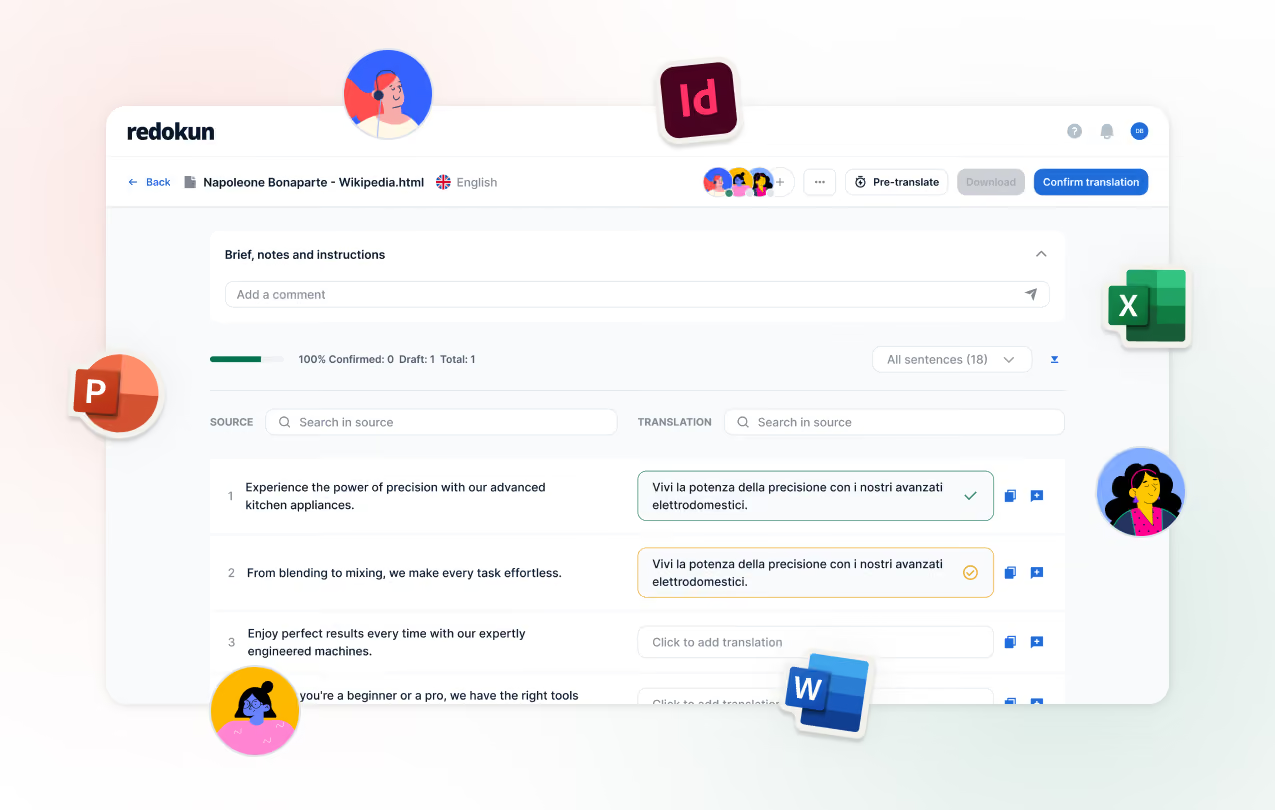
Redokun is built for this second job. Upload the file, invite your translators, and download the finished document.

Moving from Localize to Redokun

Bring your Translation Memory

Upload your source files

Set up your Glossary

Invite translatorsand Pre-translate

What changes when you translate in Redokun
Your InDesign catalogue comes back ready for a final check
Redokun is an Adobe Technology Partner. Upload your .idml file and download it translated, with tables, callouts, and part numbers in place. No one rebuilds the layout by hand.
Translate an InDesign file
Every translator uses the same Glossary
Add part names, safety terms, and brand language once. The Glossary applies to every segment, document, and language, so a term cannot drift between your German and French data sheets.
See how Glossary work
When a spec changes, translators only see what changed
Upload the revised datasheet. Quick Revisions carries over every confirmed segment in every language, so your translators handle only the new or edited text.
See how Quick Revision works
%20(1).png)


Frequently asked questions


InDesign is not among the formats Localize lists for its document add-on, which covers PDF, Word, PowerPoint, Excel, and XLIFF files.
No. Redokun does not connect to or publish to a live website. It translates files, including .html, .xml, and .json exports. To keep a live website translated as it changes, use a website translation tool such as Localize.
No. You upload a file, invite your translators by email, and download the translated file. There is no code to add and nothing to install.
If you have one project now, buy Project Pass and upload your files the same day. For ongoing work, create a free account and start your 14-day trial of the Workspace Plan.