
Translate your website with the glossary and translation memory you already built

Website translation is coming to Redokun. The sentences you already translated in your documents will fill your web pages automatically. Your Glossary keeps key terms the same on your site and in your catalogues.
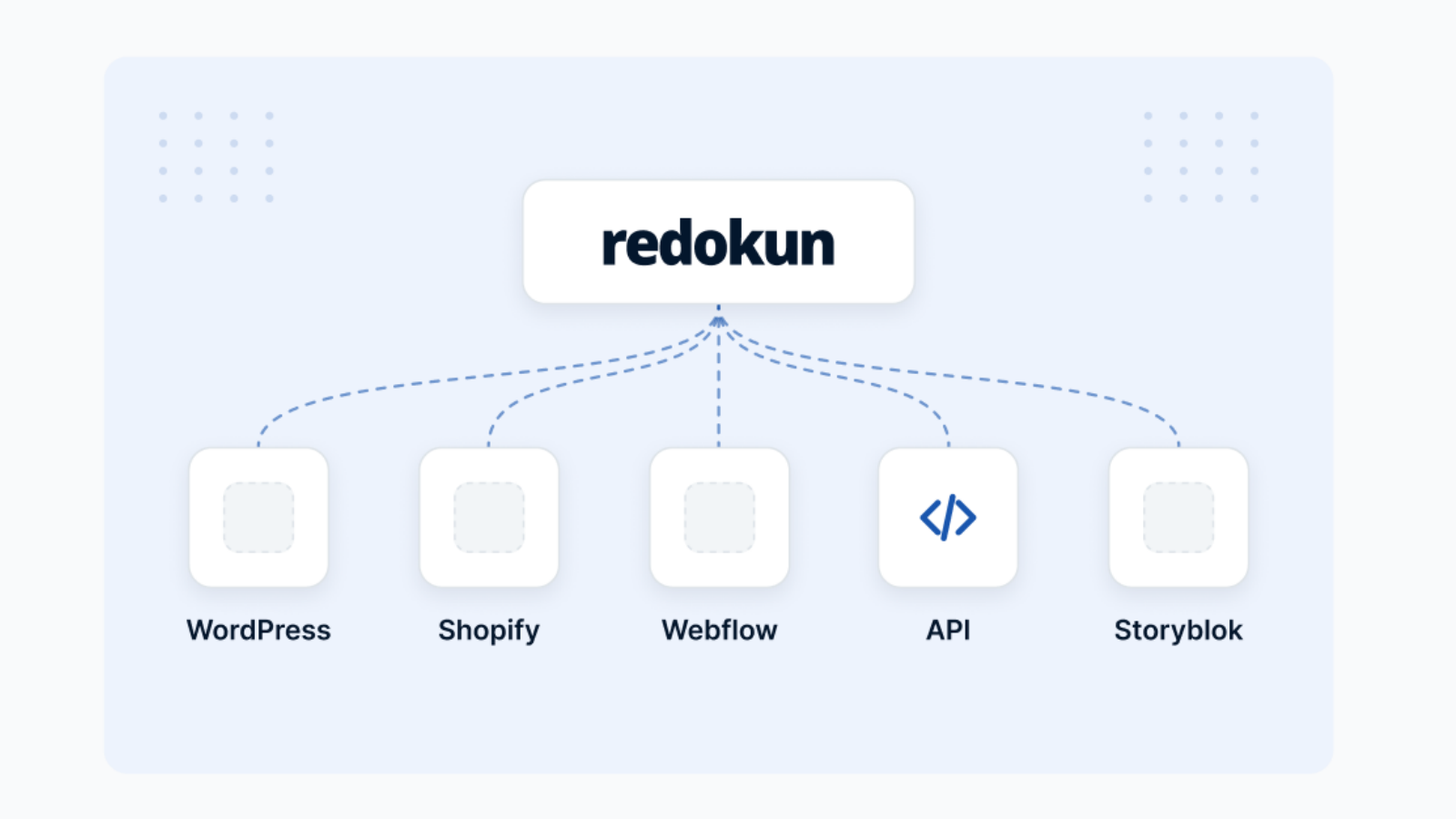


Your website and document translation in one place
Your catalogues, datasheets, and manuals already have a clear translation process in Redokun: upload, translate, and download with the design intact.
Soon, your website can follow a similar workflow: import pages into Redokun, translate online, and send them back to your CMS as drafts. And your website will use the same Translation Memory and Glossary as your documents. Your translators and reviewers will approve it in the same way.

One memory for everything you translate. Sentences you already confirmed in your catalogues and datasheets are applied to your web pages. Your translators only work on what is new.

One Glossary for every market. The terms you set for your documents apply to every page. Your German website and your German catalogue use the same words.

One review process before anything goes live. Your translators and reviewers approve website translations the same way they approve documents. Translated pages go back to your site as drafts, ready to publish.
Simplify your translation project management
Translating into 8 or more languages is hard enough without two separate processes. Soon, Redokun brings document translation and website translation into one workspace, with one Translation Memory and one Glossary.

Stay in control and manage every translation project from one place — no matter who’s doing the work.

Eliminate manual steps — just upload, translate, and download your ready-to-use file in minutes. (See the full list of file compatibility)

Ensure consistent, accurate translations by locking in your brand voice and key terminology.

Work faster and cut costs by automatically reusing approved translations.

Get started faster with AI-powered translations you can refine with a human touch.

Keep everyone aligned — translators, designers, and reviewers — all working together in real time.

Keep your files always up to date — use the Quick Revisions tool to refresh translations for your newer documents, without starting a new project.
A simple process that works for everyone – without training


What Redokun customers achieve
See Redokun in Action
Start Your Free Trial
